


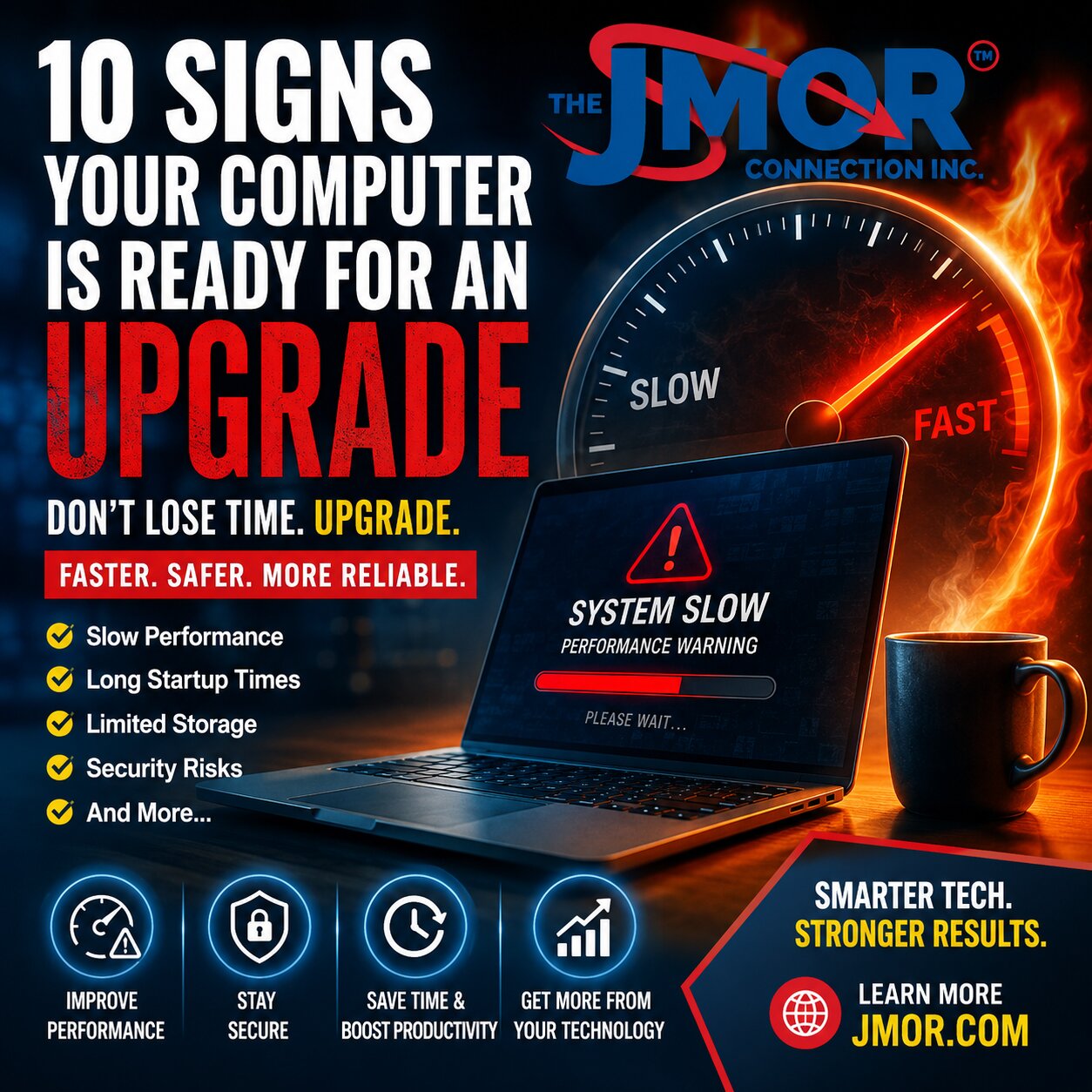
10 Signs Your Computer Is Ready for an Upgrade
Technology has become an essential part of everyday life. Whether you work from home, manage a business, attend school online, or browse the internet, your computer plays a critical role in keeping you connected and productive. Yet many people continue using aging computers long after their performance has begun to decline, often assuming slow speeds, freezing programs, and constant waiting are simply part of owning a computer. In reality, these symptoms are often clear indicators that your system is reaching the end of its useful life. The good news is that not every slow computer needs to be replaced immediately. Sometimes a memory upgrade, a solid-state drive, or a professional tune-up can dramatically improve performance. Other times, replacing the computer is the more practical and cost-effective choice. Understanding the warning signs can help you make the right decision before lost productivity and frustration begin to take their toll.
1. It Takes Forever to Start
One of the first signs that a computer may be ready for an upgrade is an unusually long startup time. If pressing the power button is followed by several minutes of waiting before you can begin working, your hardware may no longer be keeping pace with modern operating systems and applications. While software optimization can sometimes help, consistently slow startup times often point to aging storage devices or outdated hardware.
2. Programs Open Slowly
Applications that once launched almost instantly may now require significant patience. Whether you are opening your web browser, Microsoft Office, accounting software, or creative applications, noticeable delays often indicate that your processor, storage, or available memory can no longer efficiently support today's software requirements.
3. Multitasking Has Become Frustrating
Do you notice your computer slowing down when several browser tabs are open? Does switching between applications cause freezing or lag? Modern workflows frequently involve multiple programs running simultaneously. Older systems with limited memory or aging processors often struggle to keep up, making even simple tasks unnecessarily frustrating.
4. You Keep Running Out of Storage
Storage space is another common issue. When your hard drive is nearly full, your computer has less room to manage temporary files, updates, and virtual memory. This not only affects performance but can also prevent important operating system updates from installing correctly. Upgrading storage or replacing an older hard drive with a solid-state drive can often provide significant improvements.
5. Software No Longer Supports Your Computer
Technology evolves quickly. Software developers regularly introduce new features while retiring support for older hardware and operating systems. If your favorite applications no longer receive updates or your operating system has reached the end of its supported life, your computer may become increasingly vulnerable to security risks and compatibility issues.
6. You Hear Strange Noises
Mechanical hard drives and cooling fans eventually wear out. Clicking, grinding, buzzing, or unusually loud fan noises should never be ignored. These sounds may indicate failing hardware that could result in data loss if left unaddressed. Regular backups become especially important when hardware begins to show signs of physical wear.
7. Security Updates Become Limited
Cybersecurity depends heavily on receiving current operating system and software updates. Older computers may eventually become incompatible with the latest security protections, leaving your personal information or business data more vulnerable. If your computer can no longer receive important security updates, it may be time to evaluate replacement options.
8. Your Productivity Is Declining
One of the most overlooked costs of an aging computer is lost productivity. Waiting thirty seconds here and one minute there may not seem significant, but those delays accumulate throughout the day. Over weeks and months, slow technology can cost far more in lost time than the cost of an upgrade.
9. Repairs Are Becoming More Frequent
Every computer eventually reaches the point where repair costs begin exceeding its practical value. Replacing failed components one by one may temporarily extend a system's life, but repeated repairs often indicate that the entire computer is nearing the end of its lifecycle. At some point, investing in newer hardware provides better long-term value and reliability.
10. Your Needs Have Changed
Perhaps the most important reason to upgrade has nothing to do with age. Your technology needs evolve. You may now participate in video meetings every day, edit photos or videos, manage larger spreadsheets, or operate software that did not exist when your computer was purchased. Choosing hardware that matches your current workload can improve performance, reduce frustration, and help you accomplish more in less time.
Upgrading a computer does not always mean purchasing the most expensive model available. The right solution depends on how you use your technology, your performance expectations, and your budget. In many situations, strategic upgrades such as additional memory or a solid-state drive can extend the life of a device by years. In others, replacing an outdated system offers the greatest return on investment while improving security, reliability, and overall productivity.
At The JMOR Connection, Inc., we help homeowners and businesses evaluate their existing technology, recommend practical upgrade options, and implement solutions that deliver lasting value. Sometimes the best investment is a simple upgrade. Other times, replacing aging hardware saves both time and money in the long run. If your computer shows one or more of these warning signs, now may be the perfect time to explore your options and make technology work for you, not against you.
While many people focus on the inconvenience of a slow computer, the true cost often goes unnoticed. Every minute spent waiting for a program to open, a file to save, or a website to load represents lost productivity. Those small delays may seem insignificant individually, but they quickly add up over a day, week, or year. For businesses, that lost time translates directly into reduced efficiency and increased operating costs. For homeowners, it often means unnecessary frustration when technology should be making life easier.
One common misconception is that every slow computer needs to be replaced. Fortunately, that is not always the case. Professional diagnostics can often determine whether your computer needs additional memory, a faster solid-state drive, software optimization, or a complete replacement. Making the correct decision requires understanding where the performance bottleneck actually exists rather than guessing. Investing in the wrong upgrade can waste both time and money.
Age is another important consideration. Computers typically have an expected lifespan based on how they are used. A system that is used occasionally for email and web browsing may remain useful much longer than one that runs demanding business applications every day. Likewise, a well-maintained, clean, regularly updated, and protected computer will generally outperform a neglected system of the same age.
Operating system requirements also continue to evolve. Each new version introduces additional security features, performance improvements, and compatibility updates, but those enhancements often require newer hardware. A computer that comfortably handled software five or six years ago may now struggle with modern applications, video conferencing platforms, cloud services, and increasingly sophisticated web browsers. As websites become more interactive and software continues to expand its capabilities, older hardware naturally falls behind.
Memory is one of the most common limitations. Many older computers were originally configured with enough RAM for the applications available when they were manufactured. Today's workloads are dramatically different. Multiple browser tabs, cloud storage synchronization, video meetings, streaming media, office applications, messaging platforms, and security software often run simultaneously. Without sufficient memory, your computer is forced to rely more on slower storage, resulting in noticeable delays throughout the day.
Storage technology has experienced one of the most significant improvements in recent years. Traditional mechanical hard drives served the industry well for decades, but modern solid-state drives have transformed overall system performance. Upgrading from a hard disk drive to a solid-state drive often reduces startup time from several minutes to just a few seconds while dramatically improving application load times, file transfers, and overall responsiveness. In many situations, this single upgrade can breathe new life into an otherwise capable computer.
Businesses face additional considerations beyond performance alone. Older computers may eventually become incompatible with newer business software, cloud platforms, or cybersecurity standards. Unsupported operating systems no longer receive important security updates, creating unnecessary risk for sensitive customer information and company data. Regulatory requirements, insurance policies, and cybersecurity best practices increasingly expect organizations to maintain supported, secure systems that receive ongoing updates.
Home users are equally affected by changing technology. Families now depend on computers for online banking, shopping, education, entertainment, telehealth appointments, and remote work. A computer that unexpectedly fails or struggles to keep pace can interrupt far more than casual internet browsing. It can disrupt daily routines, delay important projects, and create unnecessary stress when reliable technology is needed most.
One factor many people overlook is energy efficiency. Modern computers often consume less electricity while delivering substantially better performance than systems manufactured a decade ago. Although energy savings alone rarely justify replacing a computer, they represent another long-term benefit of upgrading older hardware, especially for businesses operating multiple workstations throughout the day.
Before making any purchasing decision, it is important to evaluate how your computer is actually being used. Someone who primarily checks email and browses the internet has very different requirements than a video editor, engineer, architect, accountant, or business owner managing multiple applications throughout the day. Choosing technology based on your actual workload ensures that you invest wisely rather than paying for performance you may never use or settling for hardware that quickly becomes outdated.
Ultimately, upgrading technology should never be about chasing the latest trends. It should be about improving reliability, increasing productivity, strengthening security, and creating a better overall experience. Understanding what your computer is telling you through its performance, reliability, and compatibility can help you make informed decisions that provide lasting value rather than temporary fixes.
Once you recognize the warning signs, the next question becomes much more important. Should you upgrade your existing computer, or is it time to replace it altogether? The answer depends on several factors, including the age of the system, the type of work you perform, your budget, and the condition of the existing hardware. Making the right decision requires looking beyond today's symptoms and considering how well your technology will support your needs in the years ahead.
Many computers still have significant life remaining with the right upgrades. Installing additional memory can dramatically improve multitasking, allowing multiple applications to run more smoothly. Replacing an aging mechanical hard drive with a modern solid-state drive often delivers one of the most noticeable performance improvements. Startup times become shorter, applications launch more quickly, files open almost instantly, and the entire system feels more responsive. In many situations, these upgrades provide excellent value while postponing the need for a complete replacement.
There are times, however, when investing additional money into older hardware no longer makes financial sense. Computers that are approaching 8 to 10 years old often face limitations that cannot be overcome with simple upgrades alone. Older processors may not support modern operating systems efficiently, replacement parts become increasingly difficult to obtain, and manufacturer support eventually ends. Continuing to repair aging equipment can become more expensive than investing in newer technology that meets today's demands.
Business owners should also consider the hidden costs associated with outdated technology. Slow computers affect employee productivity, delay customer service, increase support requests, and create unnecessary interruptions throughout the workday. While purchasing new equipment represents an investment, the improved efficiency often produces returns that far exceed the initial cost. Employees spend less time waiting for technology and more time serving customers, completing projects, and growing the business.
Homeowners face similar decisions, although the priorities may differ. Families increasingly rely on computers for online education, financial management, entertainment, remote work, and communication with friends and relatives. A dependable computer provides peace of mind, while an unreliable one often creates frustration when it is needed most. Choosing the right upgrade or replacement ensures that technology remains a helpful tool rather than another daily obstacle.
Planning can also prevent emergencies. Many people wait until a computer completely fails before considering replacement. Unfortunately, hardware failures often occur without warning and may place valuable documents, photographs, financial records, and business files at risk if proper backups have not been maintained. Evaluating your technology before a failure occurs provides time to transfer data safely, select appropriate hardware, and schedule the transition with minimal disruption.
Another important consideration is future growth. Buying a computer that only meets today's minimum requirements may result in another upgrade much sooner than expected. Selecting hardware with additional processing power, memory, and storage provides room for future software updates, expanding workloads, and changing technology requirements. A thoughtful investment today can extend a system's useful life for many years while delivering a better overall experience from the start.
Professional guidance can make this decision much easier. Rather than relying on marketing claims or assuming the most expensive computer is automatically the best choice, a proper evaluation focuses on how the computer will actually be used. The right recommendation considers performance, reliability, compatibility, security, budget, and long-term value. Every user has different requirements, and the best solution is the one that aligns with those specific needs rather than following the latest trend.
At The JMOR Connection, Inc., we believe technology should support your goals, not slow them down. Whether your computer needs a performance upgrade or it is time to replace an aging system, our goal is to help homeowners and businesses make informed decisions based on real-world needs rather than unnecessary spending. By evaluating existing equipment, recommending practical solutions, and implementing reliable upgrades, we help clients maximize the value of their technology investments.
If your computer is showing several of the warning signs discussed in this article, don't ignore them. Small performance issues often become larger problems over time, and addressing them early can save both money and frustration. Technology continues to evolve, but one principle remains constant. The best computer is not necessarily the newest or the most expensive. It is the one that allows you to work efficiently, stay secure, and accomplish what matters most with confidence.
One of the biggest mistakes people make is waiting until a computer completely stops working before taking action. Unfortunately, technology rarely fails at a convenient time. It often happens in the middle of an important project, just before a presentation, during tax season, or when critical business information is needed most. By the time a computer refuses to start or a hard drive fails, the focus shifts from improving performance to recovering valuable data and getting back to work as quickly as possible.
Planning almost always produces better results. If your computer has begun showing several of the warning signs discussed throughout this article, now is the ideal time to evaluate your options. Waiting until hardware fails limits your choices and often increases both costs and stress. A planned upgrade or replacement allows you to back up important files, transfer your information safely, select the right hardware for your needs, and complete the transition with minimal disruption.
Before purchasing a new computer, take a moment to think about how you actually use technology each day. Someone who primarily checks email, browses the web, and shops online has very different requirements than someone who edits videos, designs graphics, manages engineering projects, runs accounting software, or supports a growing business. Choosing technology based on your actual workload rather than marketing claims helps ensure that your investment continues providing value for years to come.
It is equally important to think beyond the computer itself. Reliable technology depends on more than a fast processor or additional memory. Your internet connection, wireless network, data backup strategy, cybersecurity protections, monitors, printers, and other connected devices all contribute to the overall experience. A new computer connected to an outdated network may still perform below expectations. In contrast, an older computer paired with modern networking equipment and thoughtful upgrades may continue serving you well for years.
Regular maintenance also plays an important role in extending the life of your technology. Keeping software updated, removing unnecessary applications, monitoring available storage, maintaining reliable backups, and protecting systems with current security software all contribute to better long-term performance. Small, consistent maintenance tasks are often far less expensive than recovering from unexpected failures or security incidents.
Perhaps the most valuable investment you can make is knowledge. Understanding how technology works, recognizing the warning signs of aging hardware, and knowing when to seek professional guidance help you make informed decisions rather than react in an emergency. Technology should help you accomplish more with less frustration, and the right planning ensures it continues to do exactly that.
At The JMOR Connection, Inc., we believe every homeowner and business deserves technology that is dependable, secure, and appropriately matched to their needs. Whether your existing computer needs a performance upgrade, additional storage, more memory, or it is time to replace aging hardware altogether, our goal is to provide honest recommendations that deliver lasting value rather than unnecessary expense. We take the time to evaluate your current technology, understand how you use it, and recommend practical solutions that improve reliability, productivity, and peace of mind.
If your computer has been showing several of these warning signs, consider it an opportunity rather than an inconvenience. Addressing performance issues before they become major failures can save time, reduce stress, and help you avoid costly interruptions. Technology will continue to evolve, but one principle remains unchanged: the best investment is not always the newest computer. It is the solution that best supports the way you live, work, and grow.
To learn more about improving your technology, explore our growing Technology Guides & IT Resources library and our IT Service Providers in New Jersey for Homes & Businesses page. You'll find practical guidance, helpful insights, and real-world solutions designed to help homeowners and businesses make smarter technology decisions with confidence.